Udyam Registration Errors Fixed (2026): OTP Not Received, PAN Not Verified, Aadhaar Already Registered

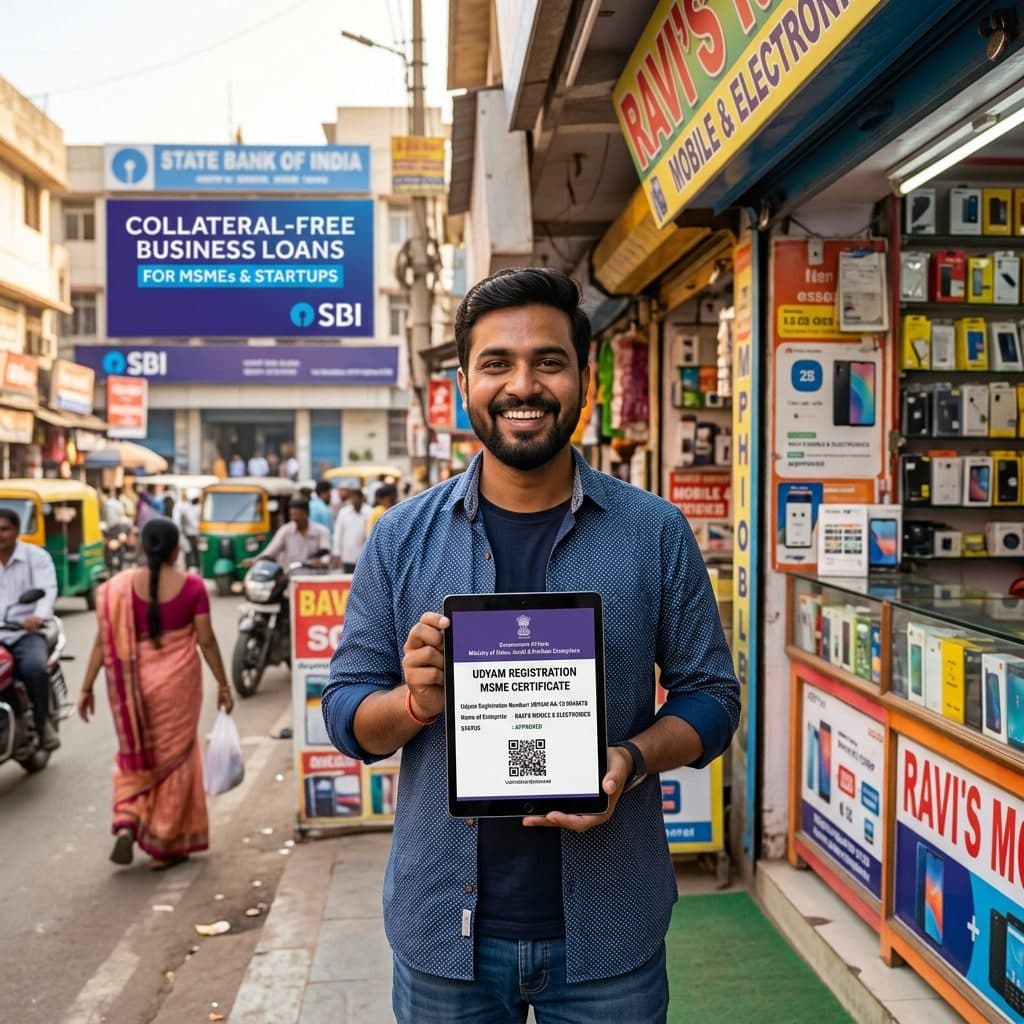
You opened the Udyam portal to get your MSME certificate, and the form stopped you with an error: OTP not coming. "PAN not verified." "Aadhaar already registered."
Udyam registration is free on the official portal — but these errors stop many small business owners for days. This guide explains why each error happens and how to fix it.
Need the certificate for a loan or tender quickly? Get Udyam done by EasyKagaz →
Quick Fix Table
| Error you see | Most likely reason | What to do |
|---|---|---|
| Aadhaar OTP not received | Mobile not linked to Aadhaar | Update mobile in Aadhaar, then retry |
| "PAN not verified" / PAN error | Name on PAN and Aadhaar don't match | Correct PAN or Aadhaar so names match |
| "Aadhaar already registered" | A Udyam already exists on this Aadhaar | Use update / print certificate, not new registration |
| Wrong NIC code chosen | Business activity not matched properly | Update the registration with the right NIC code |
| GSTIN asked | Business is required to have GST | Enter GSTIN, or apply for GST first |
| Certificate not received | Email issue or pending processing | Use "Print Udyam Certificate" on the portal |
1. Aadhaar OTP Not Received
The OTP goes to the mobile number linked to the proprietor's / partner's / director's Aadhaar.
How to fix it:
- Check the linked number on the official UIDAI website.
- If it is old, update it at an Aadhaar centre and wait for the update to reflect.
- Try at a different time if the portal is slow — heavy traffic can delay OTPs.
2. "PAN Not Verified" or PAN Data Error
Udyam checks your PAN with Income Tax records. It fails when:
- The name on PAN and Aadhaar are different (spelling, initials, surname after marriage)
- The date of birth does not match
- For firms and companies, the business PAN is entered wrongly
How to fix it: Make the names match — correct PAN or Aadhaar, whichever is wrong — and then try again.
🙋 Tired of the PAN error? Let our team handle your Udyam registration →
3. "Aadhaar Already Registered"
One Aadhaar can have only one Udyam registration for a proprietorship. This error means a registration already exists — maybe you registered earlier, or an old Udyog Aadhaar was migrated.
What to do:
- Use the "Print / Verify Udyam Certificate" option to download your existing certificate.
- If you have a new business activity, add it to the same registration using the update option instead of registering again.
4. Wrong NIC Code Selected
The NIC code describes your business activity. A wrong code can create problems with bank loans, tenders and scheme benefits.
How to fix it: Log in with your Udyam number and use the update option to correct the NIC code. Choose codes for your main activity, and add others if you do more than one kind of work.
5. GSTIN Asked During Registration
Businesses that are required to have GST registration must enter their GSTIN. If your business is not required to register for GST, you can generally complete Udyam without it.
Not sure if you need GST? Read our GST registration service details →
6. Certificate Not Received
- Check your spam folder.
- Use the "Print Udyam Certificate" option on the official portal with your Udyam number and the OTP.
Beware of Fake Udyam Websites
Many websites look like the government portal and charge high fees. The official Udyam registration portal is udyamregistration.gov.in, and registration there is free.
Note: EasyKagaz is an independent assistance service, not a government website. We charge a service fee, shown before payment, for doing the registration for you.
Why People Choose EasyKagaz for Udyam
- ✅ PAN–Aadhaar mismatch checked before filing
- ✅ Correct NIC codes chosen for your business, so loans and tenders are not affected
- ✅ Certificate on WhatsApp, with progress on the Track Application page
- ✅ Clear price upfront
🏭 Need your MSME certificate without the errors? Apply for Udyam with EasyKagaz →
Frequently Asked Questions (FAQs)
Q: Why is the Udyam registration OTP not coming?
A: The OTP goes to the mobile number linked to the Aadhaar of the proprietor, partner or director. If that number is old, update it with UIDAI and try again.
Q: What does "PAN not verified" mean in Udyam registration?
A: It usually means the name or date of birth on your PAN does not match your Aadhaar or Income Tax records. Correct the mismatch and try again.
Q: Udyam portal says my Aadhaar is already registered. What should I do?
A: A Udyam registration already exists on that Aadhaar. Download your existing certificate using the print option, and use the update option to add any new business activity instead of registering again.
Q: Is Udyam registration free?
A: Yes, registration on the official portal udyamregistration.gov.in is free. Private services like EasyKagaz charge a service fee for doing it on your behalf.
Q: Udyam registration me galat NIC code dal diya, kya karein?
A: Apne Udyam number se login karke update option se sahi NIC code chunein. Chahein to EasyKagaz se update karwa sakte hain.
Q: Is GST mandatory for Udyam registration?
A: Only businesses that are required to register under GST must enter a GSTIN. Others can generally register for Udyam without GST.
Q: Can EasyKagaz do my Udyam registration?
A: Yes. Share your Aadhaar, PAN and business details, and we file the registration, choose the right NIC codes and send you the certificate.
Get your MSME certificate without the stress. Start your Udyam registration →
Need Help with Udyam Registration?
Don't let complex paperwork slow you down. Our experts handle everything from application to delivery.