PAN Card Status Check 2026: Track by Acknowledgement Number, Aadhaar or Name

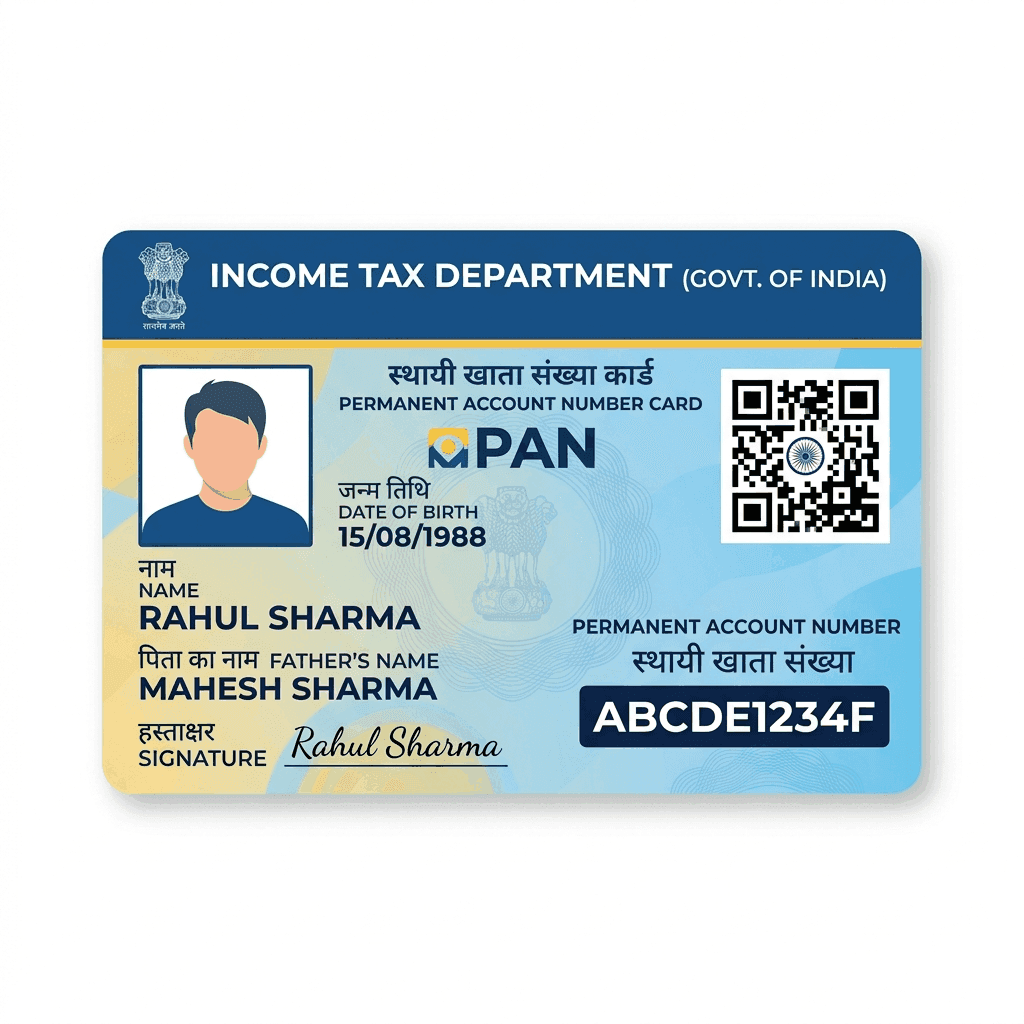
You have applied for a new PAN card or a correction and want to know where it is. How you check the status depends on where the application was made: through Protean (formerly NSDL), through UTIITSL, or as an instant e-PAN using Aadhaar on the Income Tax portal. This guide covers all three.
1. PAN applied through Protean (NSDL)
- Open the PAN status tracking page on the Protean (NSDL) website.
- Choose the application type PAN – New / Change Request.
- Enter the 15-digit acknowledgement number from your application receipt and the captcha.
- The current status is shown, along with the dispatch details once the card is sent.
The acknowledgement number is on the receipt you got after payment, and in the email or SMS sent at the time of applying.
2. PAN applied through UTIITSL
- Open the PAN card status page on the UTIITSL website.
- Enter the application coupon number (or your PAN, for a correction request), your date of birth and the captcha.
- The status of the application and the dispatch details are shown.
3. Instant e-PAN through Aadhaar
If you got a PAN instantly using Aadhaar on the Income Tax e-filing portal:
- Open the Income Tax e-filing portal and go to Instant e-PAN.
- Choose Check Status / Download PAN.
- Enter your Aadhaar number and the OTP sent to your Aadhaar-linked mobile.
- See the status and download the e-PAN PDF once it is allotted.
Don't have the acknowledgement number?
On the Income Tax e-filing portal you can use Know Your PAN / Verify PAN details with your name, date of birth and mobile number (OTP). This tells you whether a PAN has been allotted to you. If you find the receipt email from the time of applying, the acknowledgement number is in it.
What the PAN status messages mean
- Under process / Application received: the application is being checked. Wait a few days.
- Objection / Discrepancy: a document or detail did not match (for example, name or date of birth differs from Aadhaar). You will be asked to send a corrected document.
- PAN allotted: the PAN number is ready. An e-PAN is usually emailed, and the physical card follows by post.
- Dispatched: the physical card has been sent by post; use the dispatch or consignment number to track delivery.
PAN card delayed? What to do
- Check the address you gave; a wrong or incomplete address is the most common reason for a card coming back.
- Look for a discrepancy message; until it is cleared, the application does not move.
- Download the e-PAN if the PAN is allotted: it is valid wherever a PAN card is needed, so you do not have to wait for the physical card.
- Contact the service provider (Protean or UTIITSL) with your acknowledgement number if the status has not changed for a long time.
Need help with your PAN?
If your application is stuck, needs a correction, or you have not applied yet, EasyKagaz can check your documents and file it correctly.
Frequently asked questions
Q: How can I check my PAN card status?
A: For a Protean (NSDL) application, use the 15-digit acknowledgement number on Protean's status page. For UTIITSL, use the application coupon number. For an instant e-PAN, use your Aadhaar number on the Income Tax portal's Instant e-PAN section.
Q: Can I check PAN status without the acknowledgement number?
A: Yes. The Income Tax portal's Know Your PAN / Verify PAN option uses your name, date of birth and mobile OTP to show whether a PAN is allotted to you.
Q: How long does it take to get a PAN card?
A: An instant e-PAN through Aadhaar is usually issued very quickly. A regular application, if there are no discrepancies, typically takes a couple of weeks, and the physical card then comes by post.
Q: What does "PAN allotted" mean?
A: Your PAN number is ready. You can download the e-PAN, which is valid like the physical card, while the physical card is sent by post.
Q: My PAN status shows a discrepancy. What should I do?
A: A detail or document did not match, often the name or date of birth. Send the corrected document as asked, or reapply with matching details.
Q: PAN card status kaise check kare?
A: NSDL (Protean) se apply kiya hai to acknowledgement number se, UTIITSL se kiya hai to coupon number se, aur instant e-PAN ke liye Income Tax portal par Aadhaar number se status check karein.

Need Expert Assistance?
Fill out the form below and our documentation experts will guide you.