e-Shram Card Download 2026: How to Download Your UAN Card Online (Step by Step)

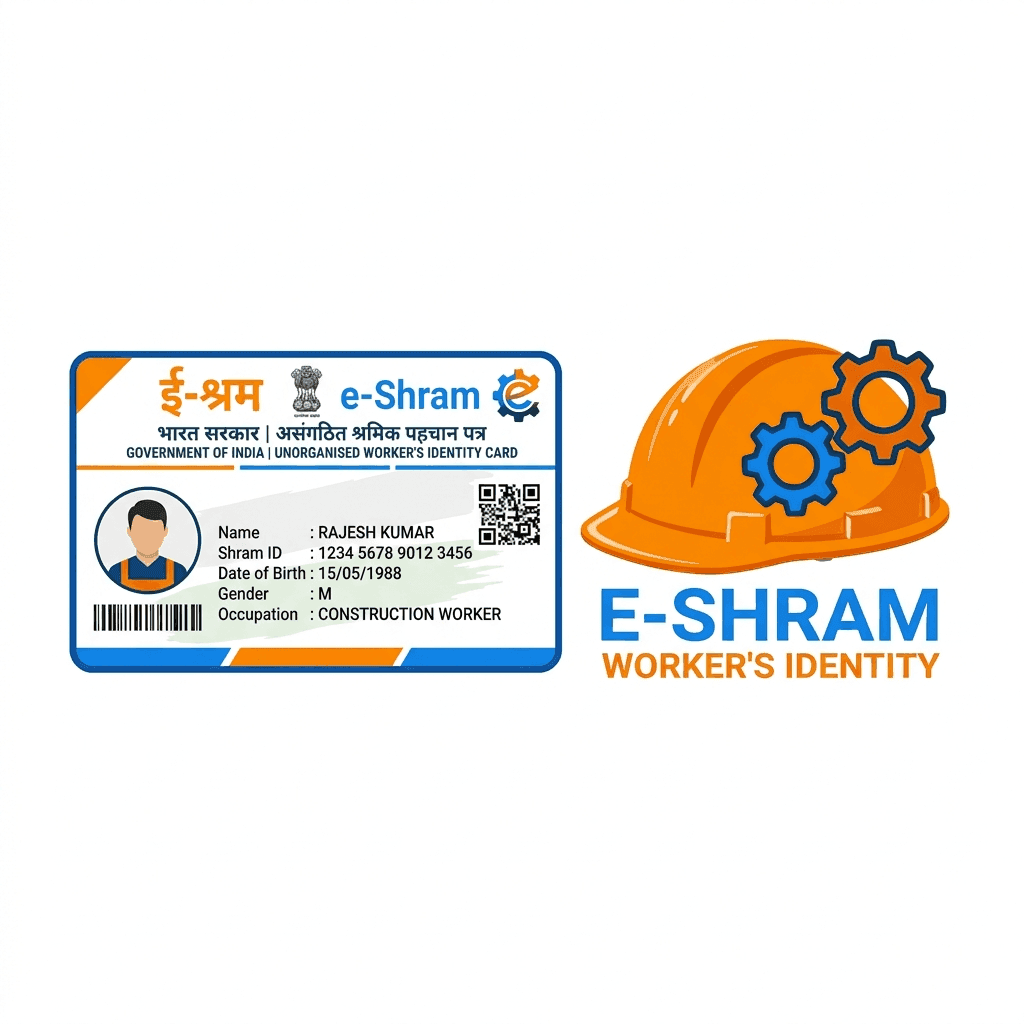
Registered on e-Shram but don't have the card? You can download your e-Shram card (UAN card) again at any time from the official e-Shram portal. All you need is the mobile number linked to your Aadhaar. This guide explains the steps, how to find a forgotten UAN number, and what to do if the OTP does not arrive.
What is the e-Shram card?
The e-Shram card is the identity card of the national database of unorganised workers, run by the Ministry of Labour and Employment. Each registered worker gets a 12-digit Universal Account Number (UAN), which is printed on the card. It helps workers get linked to social security and welfare schemes.
Who can register:
- Age 16 to 59 years.
- Working in the unorganised sector: construction workers, domestic workers, street vendors, agricultural labourers, drivers, delivery workers, home-based workers and similar.
- Not a member of EPFO or ESIC, and not an income-tax payer.
How to download the e-Shram card online
- Open the official e-Shram registration portal and choose the option for already registered workers to log in or update details.
- Enter your Aadhaar-linked mobile number and the captcha, and request an OTP.
- Enter the OTP. If asked, verify with your Aadhaar number and the second OTP.
- Your profile opens. Choose Download UAN Card.
- Save the PDF on your phone and keep a printed copy if needed.
The card shows your name, photo, UAN number, date of birth and occupation.
Forgot your UAN number?
You do not need the UAN number to download the card. Logging in with your Aadhaar-linked mobile number and OTP opens your profile, where the UAN is shown and the card can be downloaded.
OTP not coming? Common problems and fixes
- Mobile not linked to Aadhaar: the OTP goes only to the Aadhaar-linked number. Link or update your mobile at an Aadhaar centre first, or use biometric authentication at a Common Service Centre (CSC).
- Wrong number entered: check that you are using the same number used at registration.
- Portal busy: government portals slow down at peak hours. Try early in the morning or late at night.
- Not registered yet: if login says no record is found, you need to register first.
e-Shram benefits: what the card gives you
- Accident insurance: registered workers are covered for accidental death and disability (up to ₹2 lakh for death or permanent disability).
- Link to welfare schemes: government departments use the e-Shram database to reach unorganised workers with schemes and relief.
- Identity for unorganised work: a nationally recognised record of your occupation and skills.
Is the ₹3,000 pension part of e-Shram?
This is a common confusion. The ₹3,000 monthly pension comes from a separate scheme, the Pradhan Mantri Shram Yogi Maan-dhan (PM-SYM), where you pay a small monthly contribution from age 18 to 40. An e-Shram card alone does not start a pension; you have to enrol in PM-SYM separately.
Need help?
If the OTP does not come, your details are wrong on the card, or you have not registered yet, EasyKagaz can help you register or update your e-Shram details and send the card to you on WhatsApp.
Frequently asked questions
Q: How can I download my e-Shram card?
A: Log in on the official e-Shram portal as an already registered worker using your Aadhaar-linked mobile number and OTP, then choose Download UAN Card and save the PDF.
Q: Can I download the e-Shram card without the UAN number?
A: Yes. Logging in with the Aadhaar-linked mobile number and OTP opens your profile, where the UAN is shown and the card can be downloaded.
Q: Why is the e-Shram OTP not coming?
A: The OTP goes only to the mobile number linked to your Aadhaar. If that number is not linked or has changed, update it at an Aadhaar centre or use biometric authentication at a Common Service Centre.
Q: Who is eligible for the e-Shram card?
A: Unorganised workers aged 16 to 59 who are not members of EPFO or ESIC and are not income-tax payers.
Q: Does the e-Shram card give ₹3,000 pension?
A: No. The ₹3,000 monthly pension is from the separate PM Shram Yogi Maan-dhan scheme, which needs its own enrolment and monthly contribution.
Q: e-Shram card download kaise kare?
A: e-Shram portal par Aadhaar se linked mobile number aur OTP se login karein, phir Download UAN Card par click karke PDF save kar lein.

Need Expert Assistance?
Fill out the form below and our documentation experts will guide you.